One Meta app lets AI post your reels and read your ads (official MCP is here)
Create a free app at developers.facebook.com, add 4 use cases, and let AI post FB/IG reels with your own cover, read ad results and use Meta's ads MCP. Step by step, with the snags we hit.
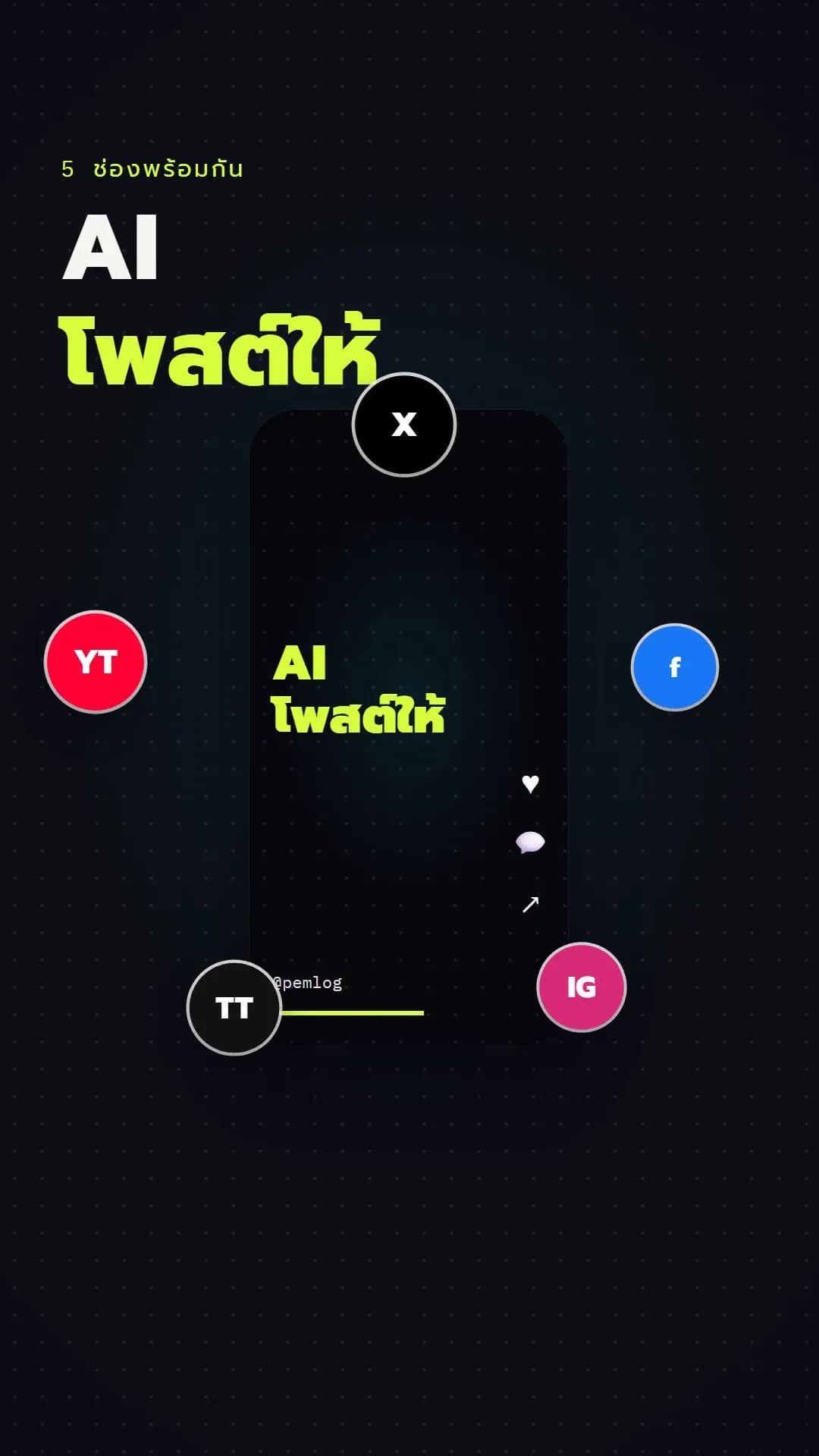
Nobody pressed "post" on this clip. AI published it to Facebook and Instagram through a Meta app we made, and to TikTok, YouTube and X through Buffer: five channels from one command. The same app also connects to Meta's ads MCP, so the AI can read ad results when you ask.
Meta now has an official MCP
Meta opened its ads MCP server at mcp.facebook.com/ads so AI agents such as Claude can work with an ad account. Meta announced it on the Meta for Developers blog on 16 July 2026. It is rolling out per ad account, so yours may not have it yet.
Once ours was connected, it had tools ranging from reading results and creating campaigns to setting up A/B tests.
Build the app step by step
- Create the app at developers.facebook.com/apps. It is free. Create it under the Business portfolio that owns your Page and ad account, not your personal profile.
- Add four use cases to that one app:
- Create & manage ads with ads MCP server
- Create & manage ads with Marketing API
- Manage everything on your Page
- Manage messaging & content on Instagram
- Enable permissions inside each use case first. They do not appear in Graph API Explorer until you press Add on the use case's Customize page. We used
pages_manage_posts(Page posts) andinstagram_content_publish(IG posts). - Instagram now has two setups. The new default, "Instagram Login", creates a separate IG app with its own token. For one token that covers both the Page and IG, choose API setup with Facebook login and add the content-publishing permissions. Your IG account must be linked to the Page.
- Get a Page token. In Graph API Explorer, pick your app, tick the permissions and press Generate Access Token. Extend it in the Access Token Debugger, then call
me/accountsto get a Page token that never expires. - Connect the ads MCP to Claude. Add the server
https://mcp.facebook.com/adsand log in with Facebook once.
Switch the app to Live mode before posting for real. In Development mode, Facebook posts created by the app are visible only to people with a role on the app; the public sees nothing (IG was not affected). We hit this with this very clip (Meta: App modes).
What you can do
- Post FB/IG reels with the cover and title you choose, instead of a frame Meta picks.
- Ask AI for a daily summary of your ads.
- Have AI help set up an A/B test or draft a campaign.
Watch out
- Make the AI ask before it spends anything. Creating campaigns or changing budgets should wait for your confirmation.
- Never show the token. Keep it in
.env, and out of chats, screenshots and videos. - The IG API has no drafts: posting goes live at once. Test on Facebook as a draft first.
- A non-expiring Page token still loses data access after about 3 months, so regenerate it from time to time.
This clip was made with Captog Daily: finding the story, checking the source, writing, voicing, editing, and posting to five channels. See Cue + Daily
Sources: Meta's ads MCP server is now available for developers (Meta for Developers, 16 Jul 2026) · Ads MCP server overview · Instagram Platform